
List Every Included Item
Identify adapters, pigtails, trays, glands, mounting hardware, labels and any installation accessories separately from the base enclosure or panel.
Fibre interconnection is more than a connector choice. Align the optical interface, distribution layout and physical route before comparing the product schedule.
Filter the component group, then use the quote inputs to define the required configuration. These are product families, not a statement of current stock or verified project performance.
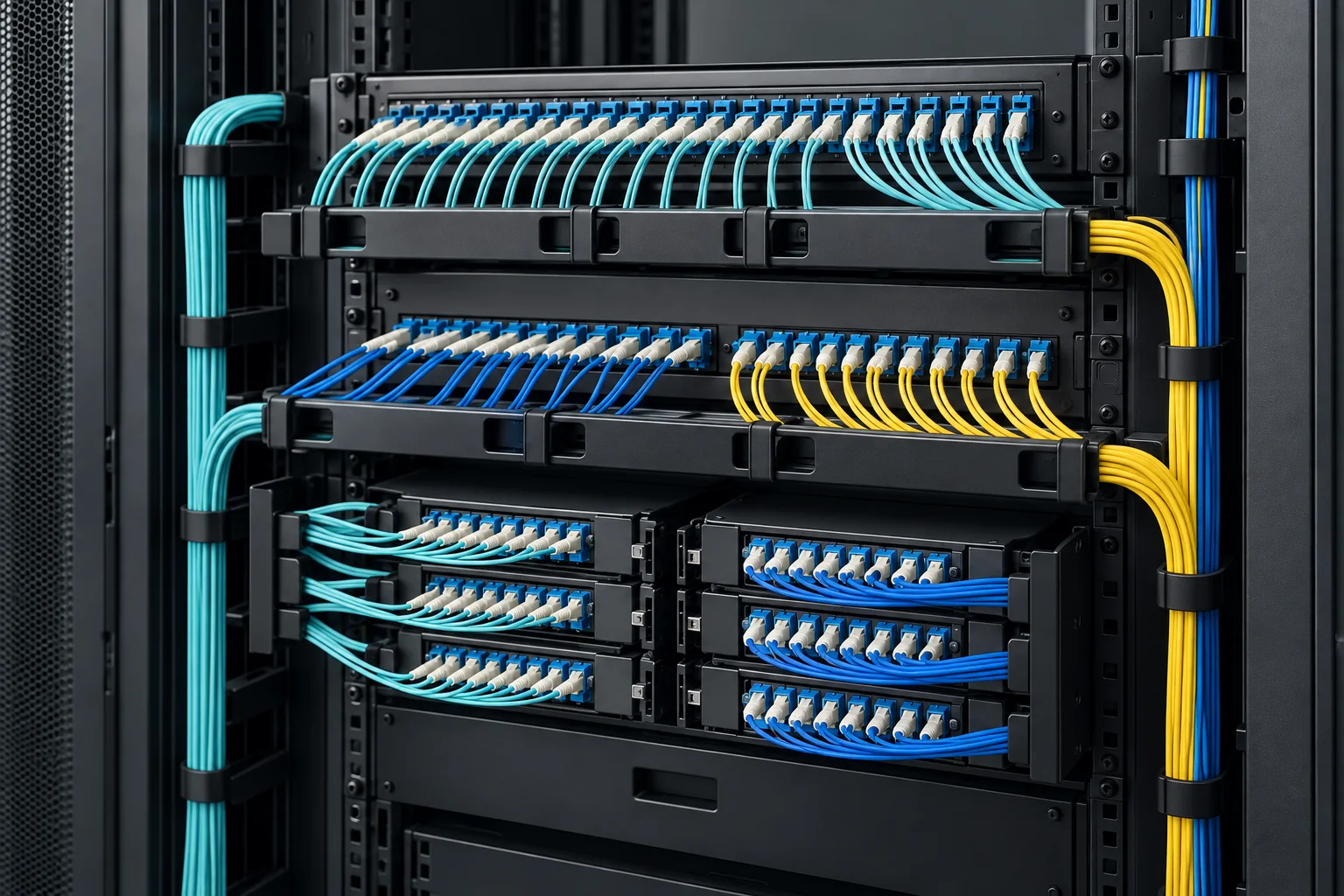
Make termination and patching accessible with a panel arrangement that accounts for incoming cables, splice storage and front-side access.
Quote inputs: Rack format, port quantity, adapters, pigtails and tray scope.
Prepare this enquiry →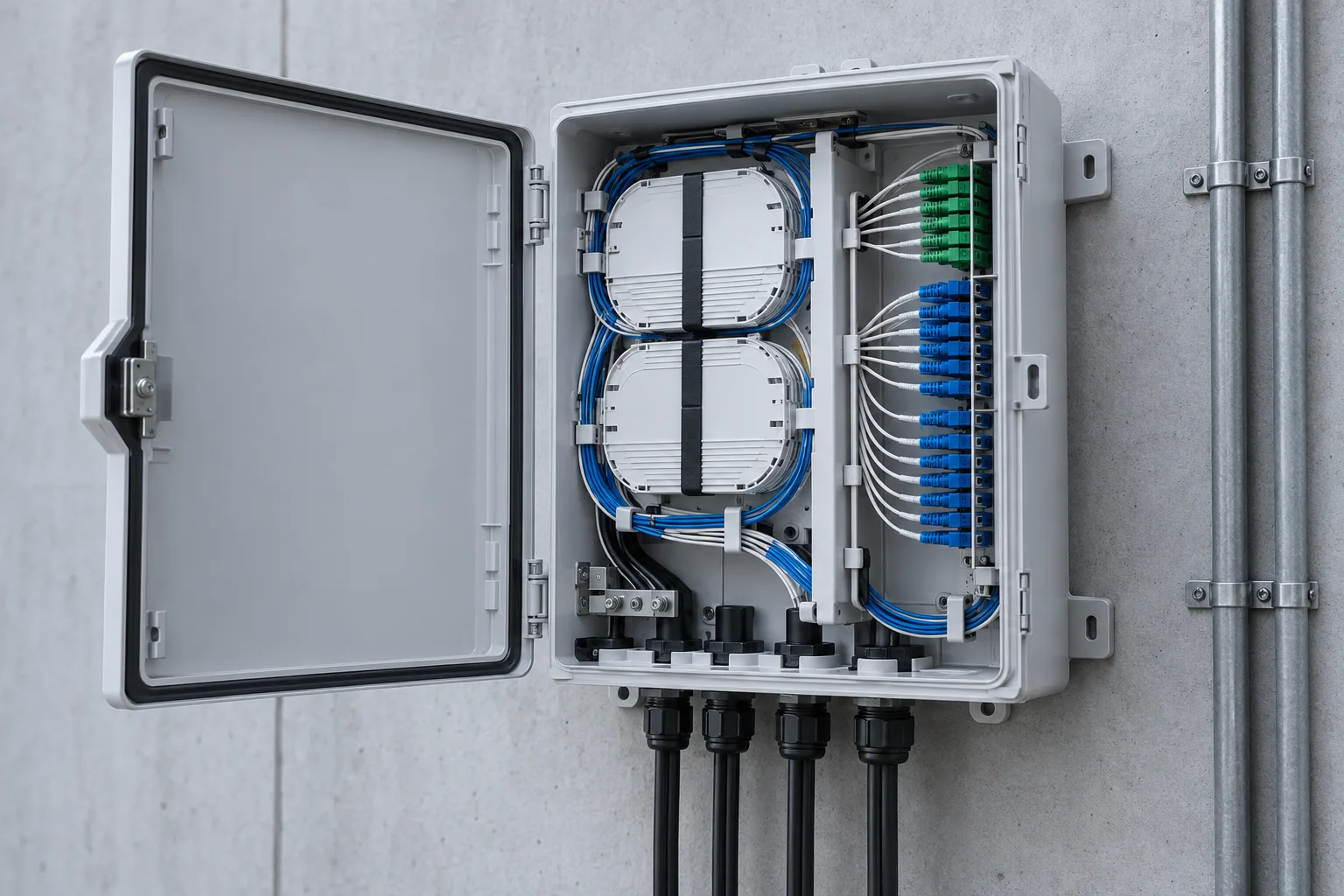
Provide a defined handover point between incoming fibres and outgoing connections without losing track of spare capacity.
Quote inputs: Cable entries, core count, connector interface, mounting and access.
Prepare this enquiry →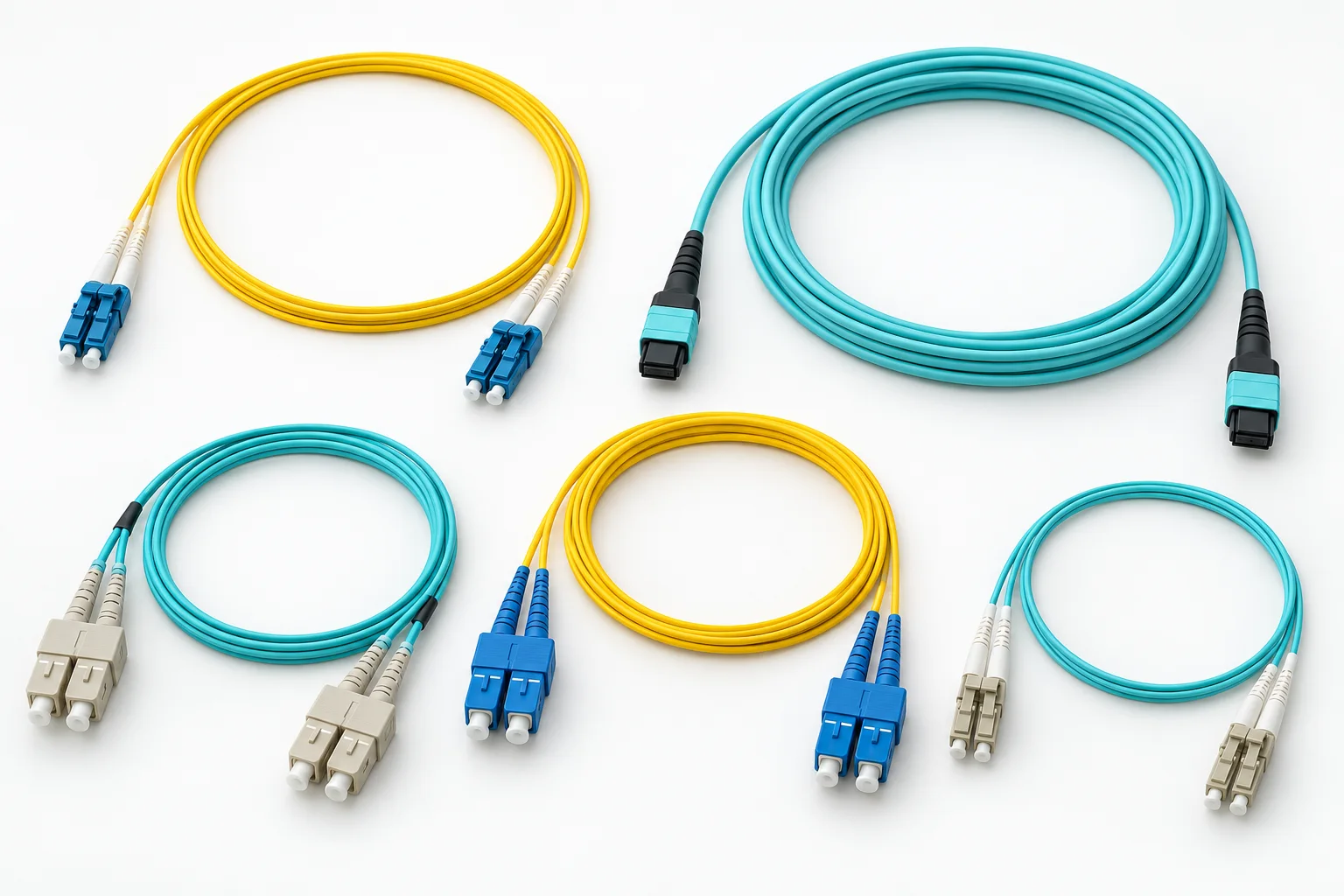
Link panels and equipment with a connector pair, fibre category and length matched to the intended optical interface.
Quote inputs: Connector pair, polish, fibre type, length, jacket and quantity.
Prepare this enquiry →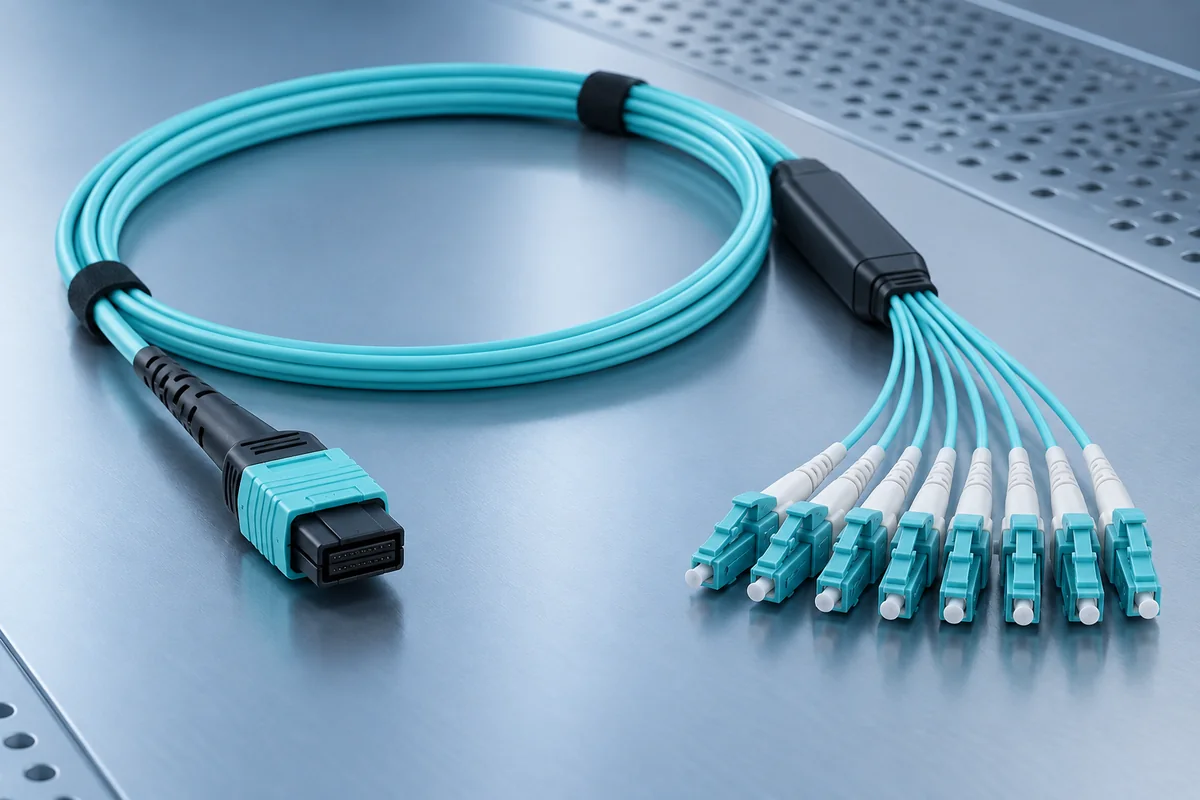
Prepare high-density connections around fibre count, end-face orientation and the complete channel polarity plan.
Quote inputs: Connector type, pinned or unpinned ends, polarity, fibre count and length.
Prepare this enquiry →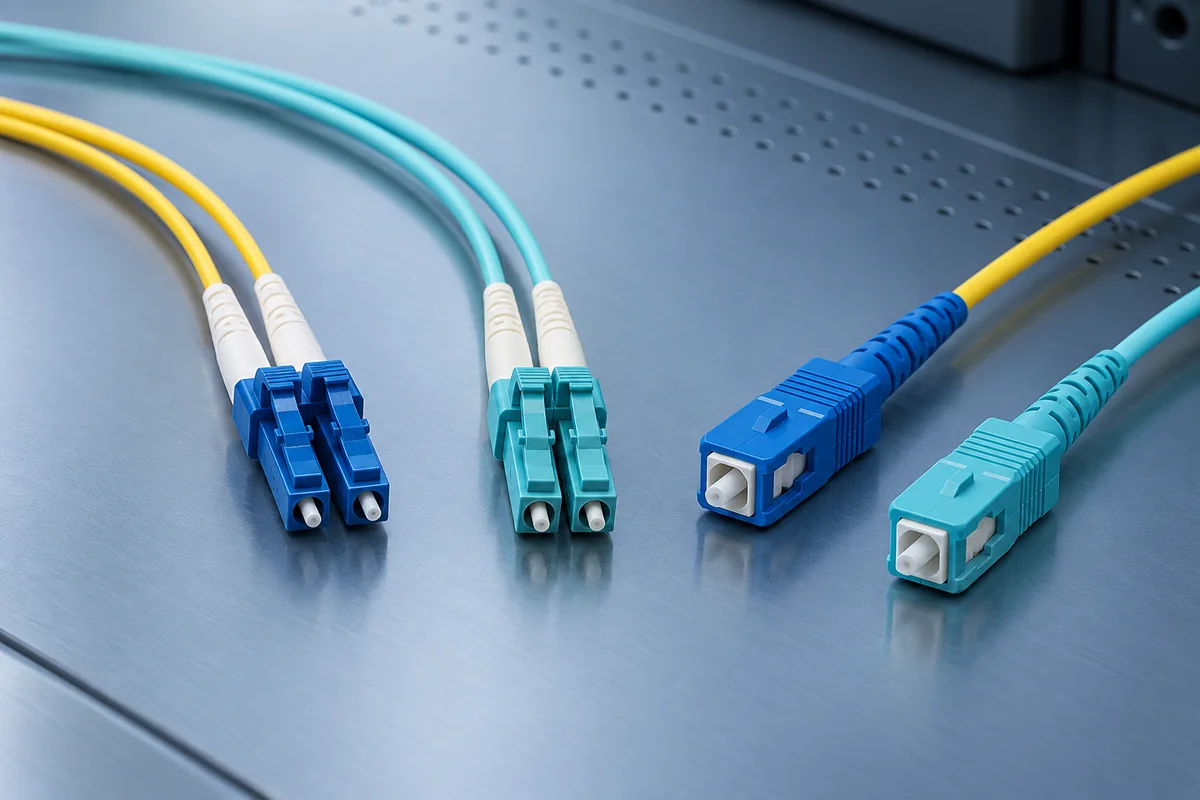
Check the mechanical interface and optical end-face requirements before selecting termination accessories.
Quote inputs: LC or SC interface, polish, fibre category and adapter arrangement.
Prepare this enquiry →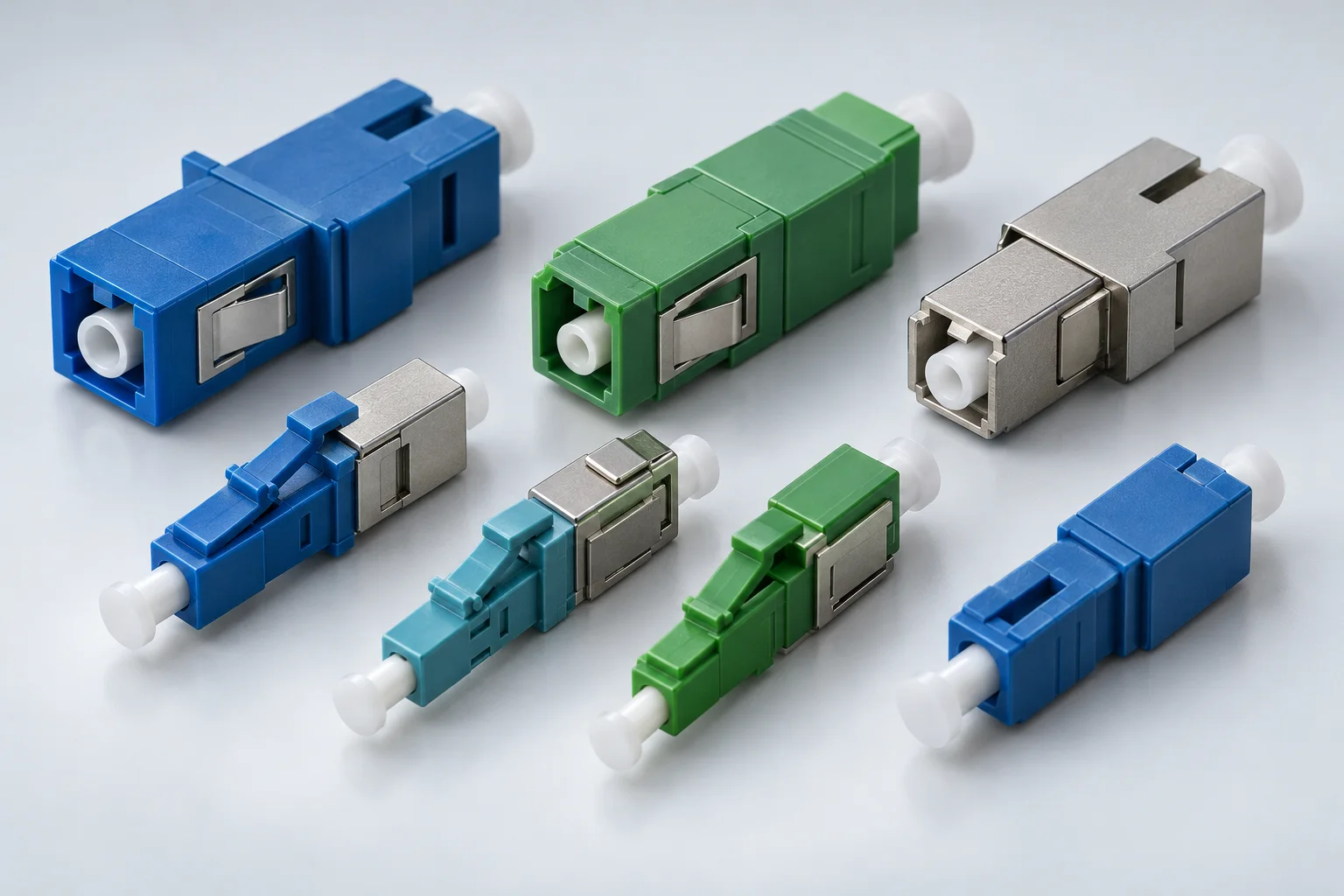
Review receiver limits and the measured channel budget before adding attenuation to an optical link.
Quote inputs: Wavelength, connector, fixed or variable format and required attenuation.
Prepare this enquiry →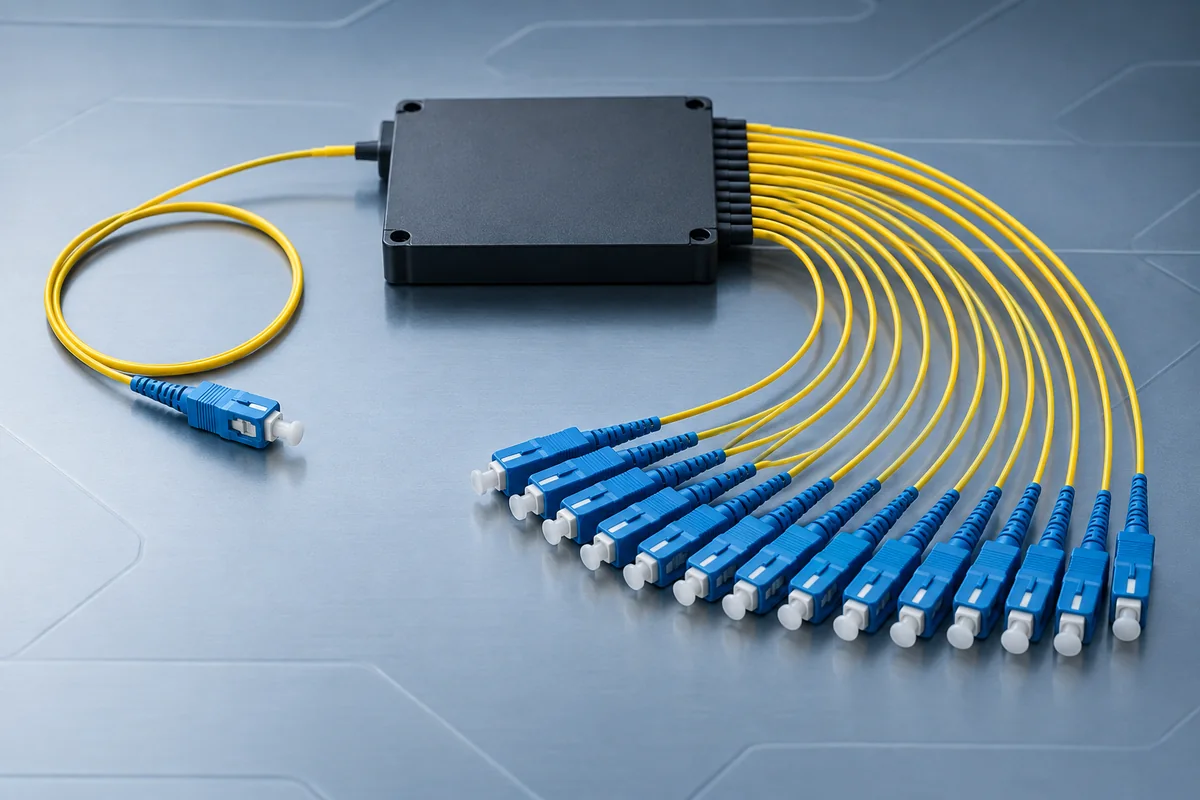
Include splitter loss and packaging in the planned distribution architecture rather than selecting by output count alone.
Quote inputs: Split ratio, connector interface, package, mounting and loss data.
Prepare this enquiry →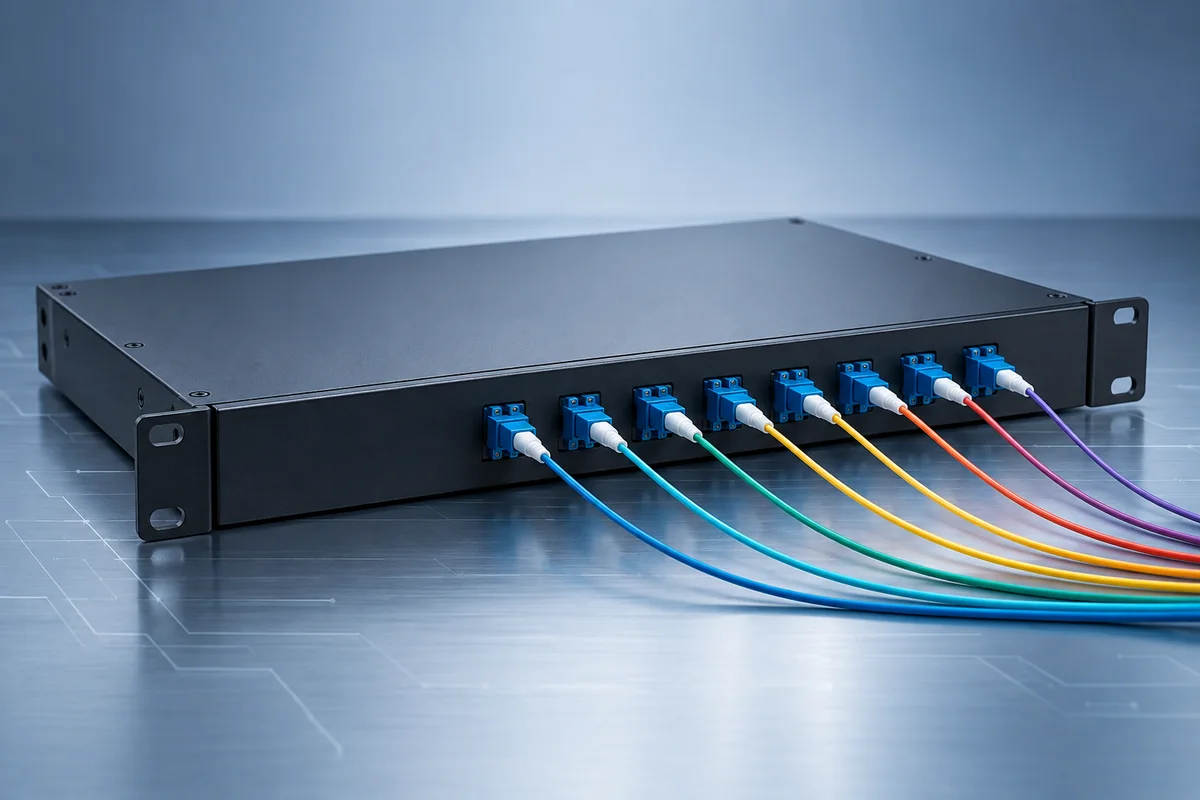
Define the channel plan and optical interfaces when sharing fibre capacity across compatible wavelengths.
Quote inputs: CWDM or DWDM plan, channels, connectors and insertion loss data.
Prepare this enquiry →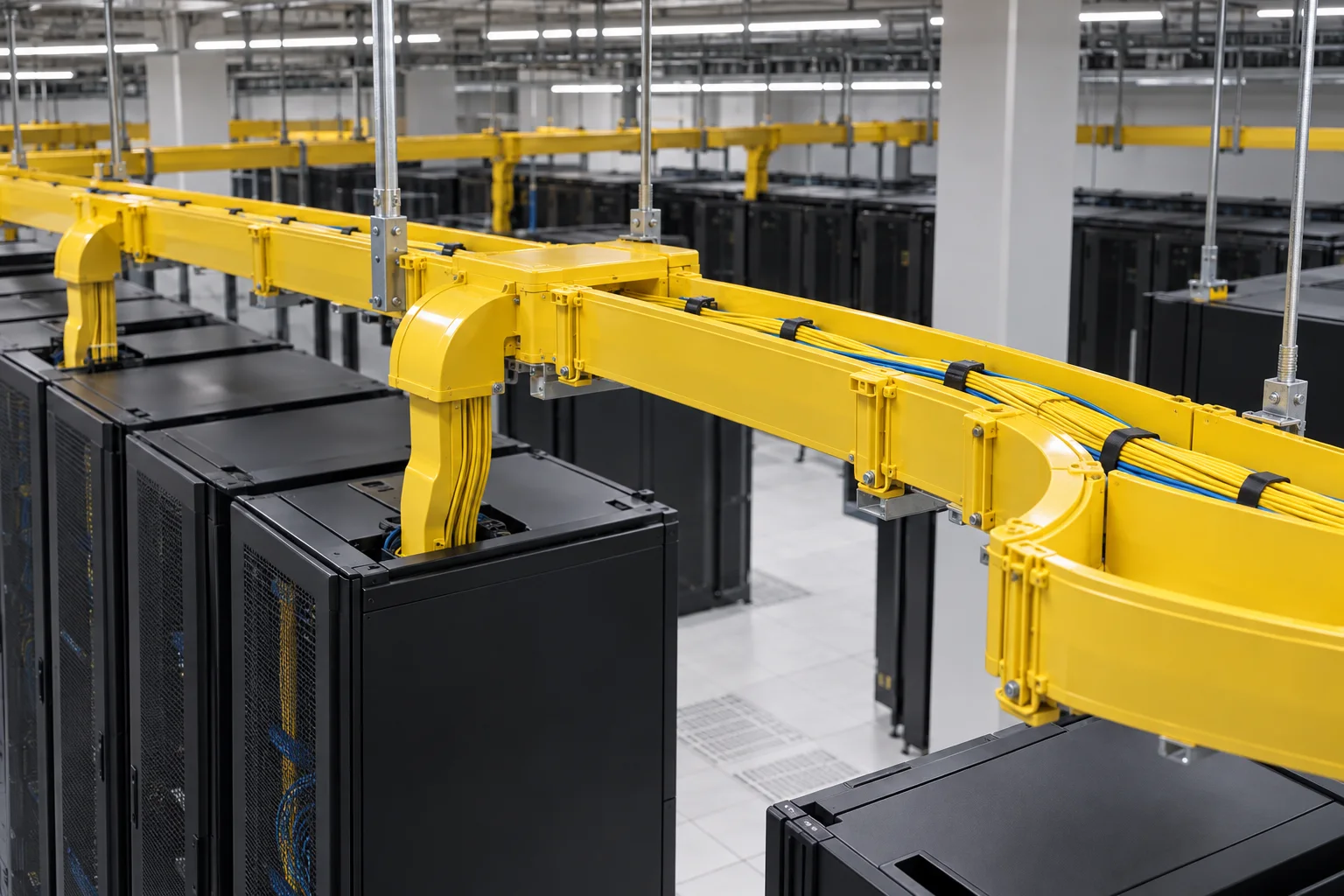
Keep fibre routes organised with a pathway plan for entries, transitions, branch points and future changes.
Quote inputs: Route drawing, fittings, support method, access and capacity allowance.
Prepare this enquiry →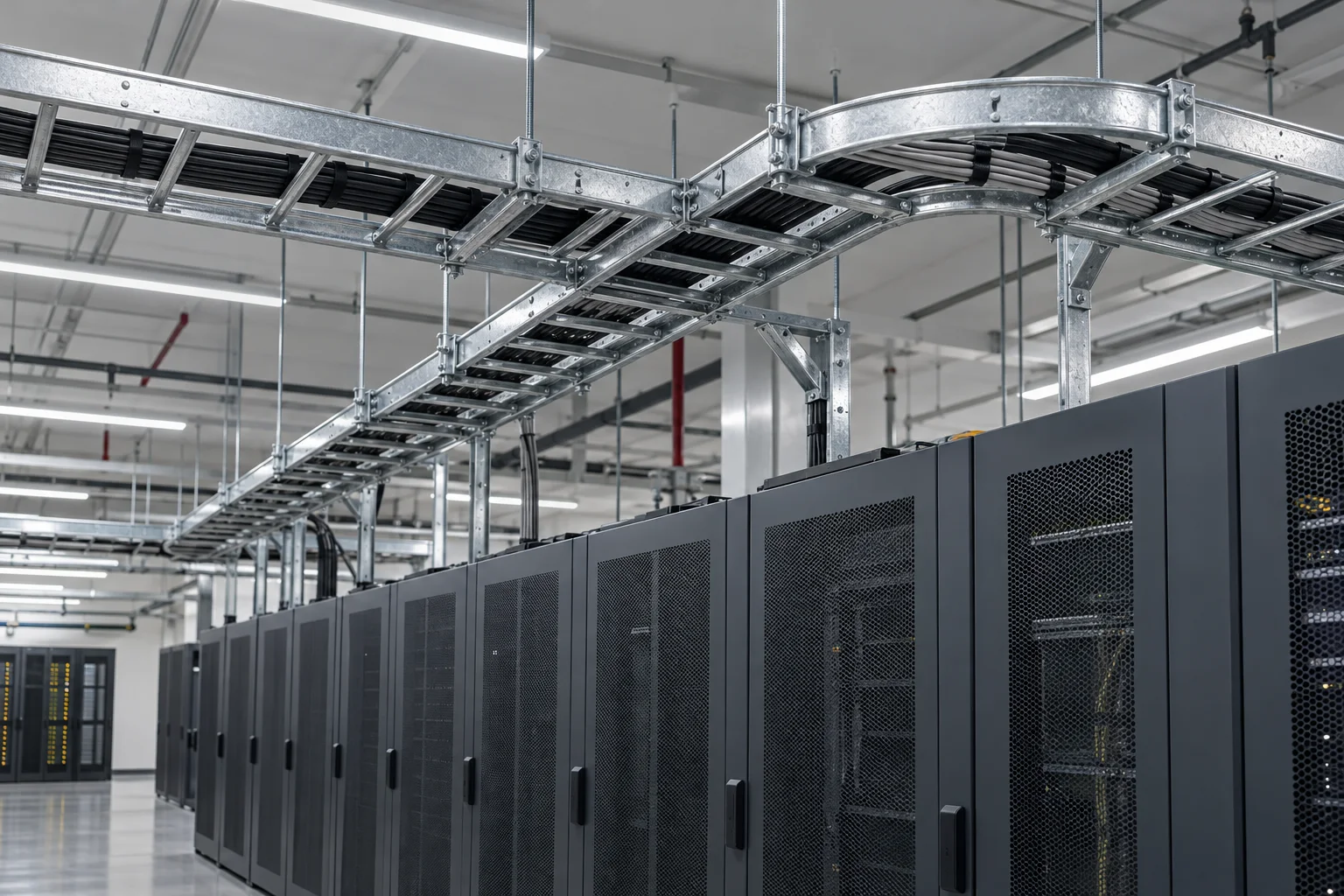
Coordinate the supporting route with the cable load, segregation plan and installation environment.
Quote inputs: Route, tray profile, material, supports and project loading requirements.
Prepare this enquiry →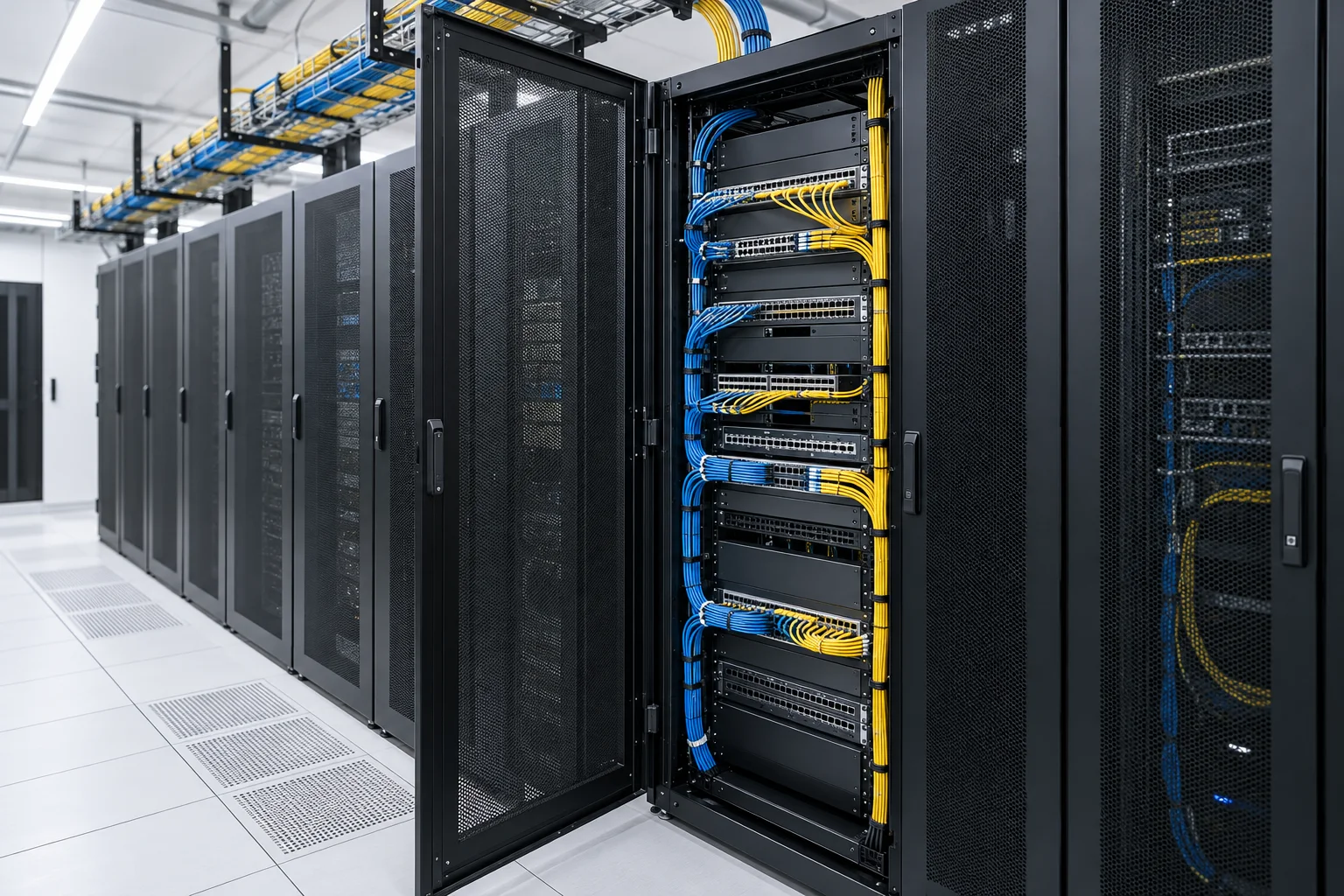
Build the rack schedule around equipment depth, panel positions, patching access and maintenance clearance.
Quote inputs: Equipment dimensions, rack space, entry routes and accessory list.
Prepare this enquiry →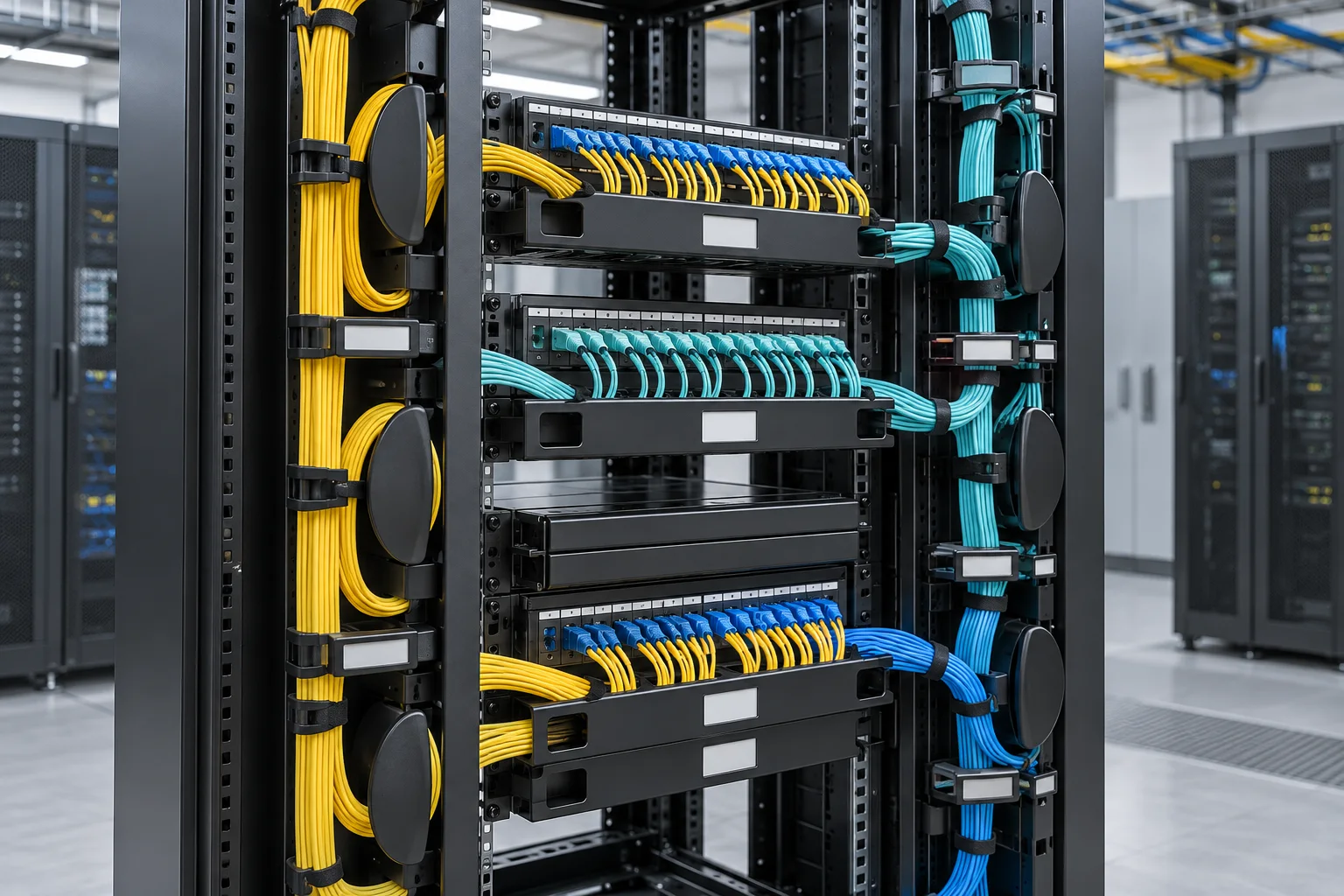
Reduce avoidable patching congestion with a defined route between panels, equipment and shared pathways.
Quote inputs: Rack arrangement, manager direction, cord volumes and service access.
Prepare this enquiry →Two patch-panel or assembly prices may cover different accessories, optical interfaces and test deliverables.
Identify adapters, pigtails, trays, glands, mounting hardware, labels and any installation accessories separately from the base enclosure or panel.
Match fibre category, connector and polish, assembly length, multifibre polarity and optical acceptance requirements before comparing prices.
Clarify assembly, installation, termination, testing, delivery scope and required documentation rather than assuming that they are included.
Request the drawings, product data and applicable conformity documents relevant to the specified configuration and intended installation.
A clear component list helps separate confirmed requirements from assumptions that still need technical review.