
Fibre interconnection / Data rooms / European UnionMake Every
Make Every
Connection Count.
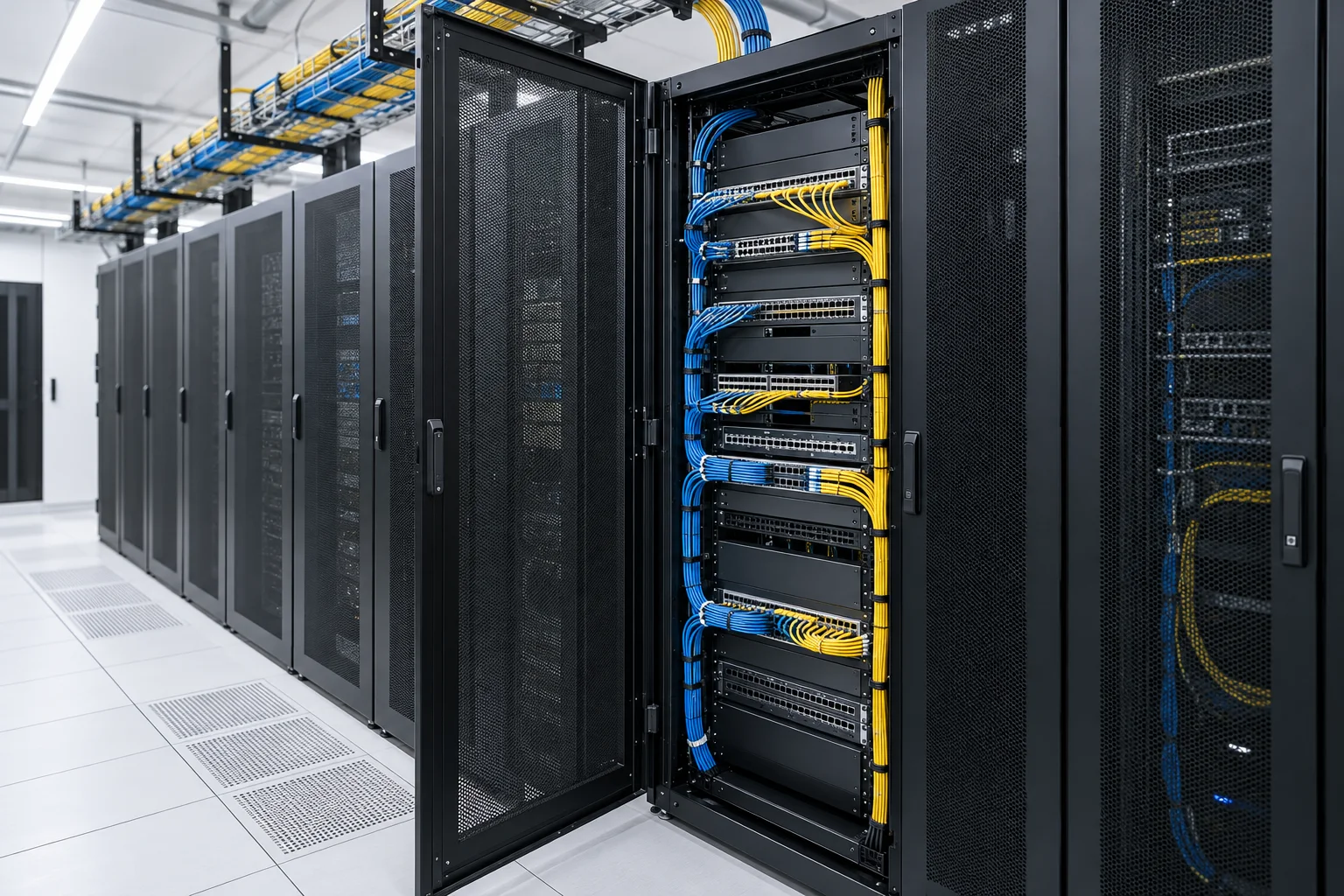
Between the equipment port and the next optical link lies a chain of small decisions. FD SOLUCIONES brings patch panels, fibre assemblies and cable pathways into one considered connection brief.
An interconnection product deskBuild the Link.
Build the Link.
Not Just the Parts List.
Start with the connection you need to make. Then coordinate the panel, assembly and pathway so that each component has a defined place in the channel.
01 / Organise
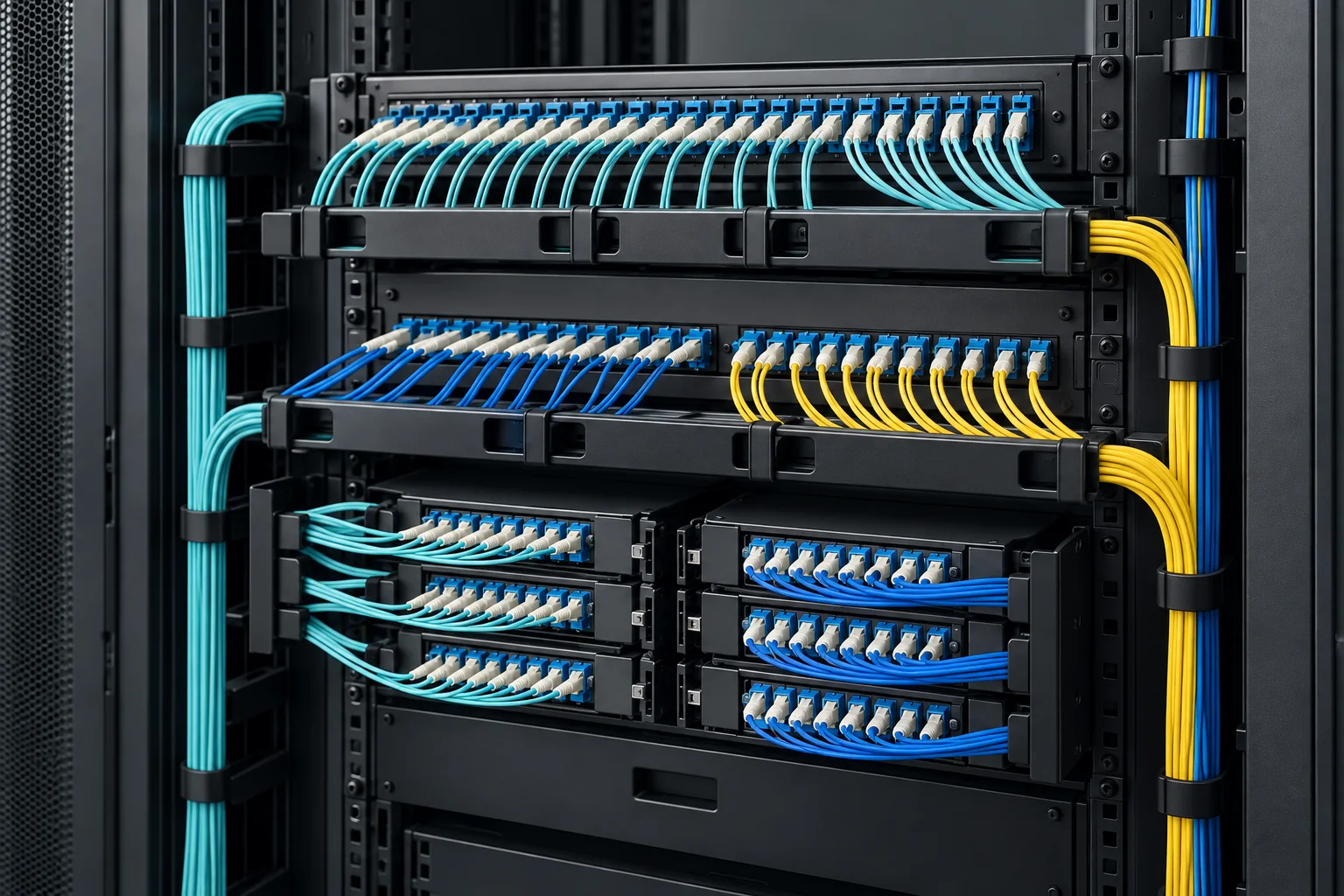
Optical Distribution Panels
Bring termination, splice storage and patching into an accessible rack arrangement. Define populated ports, cable entry and expansion space together.
Explore panels & distribution →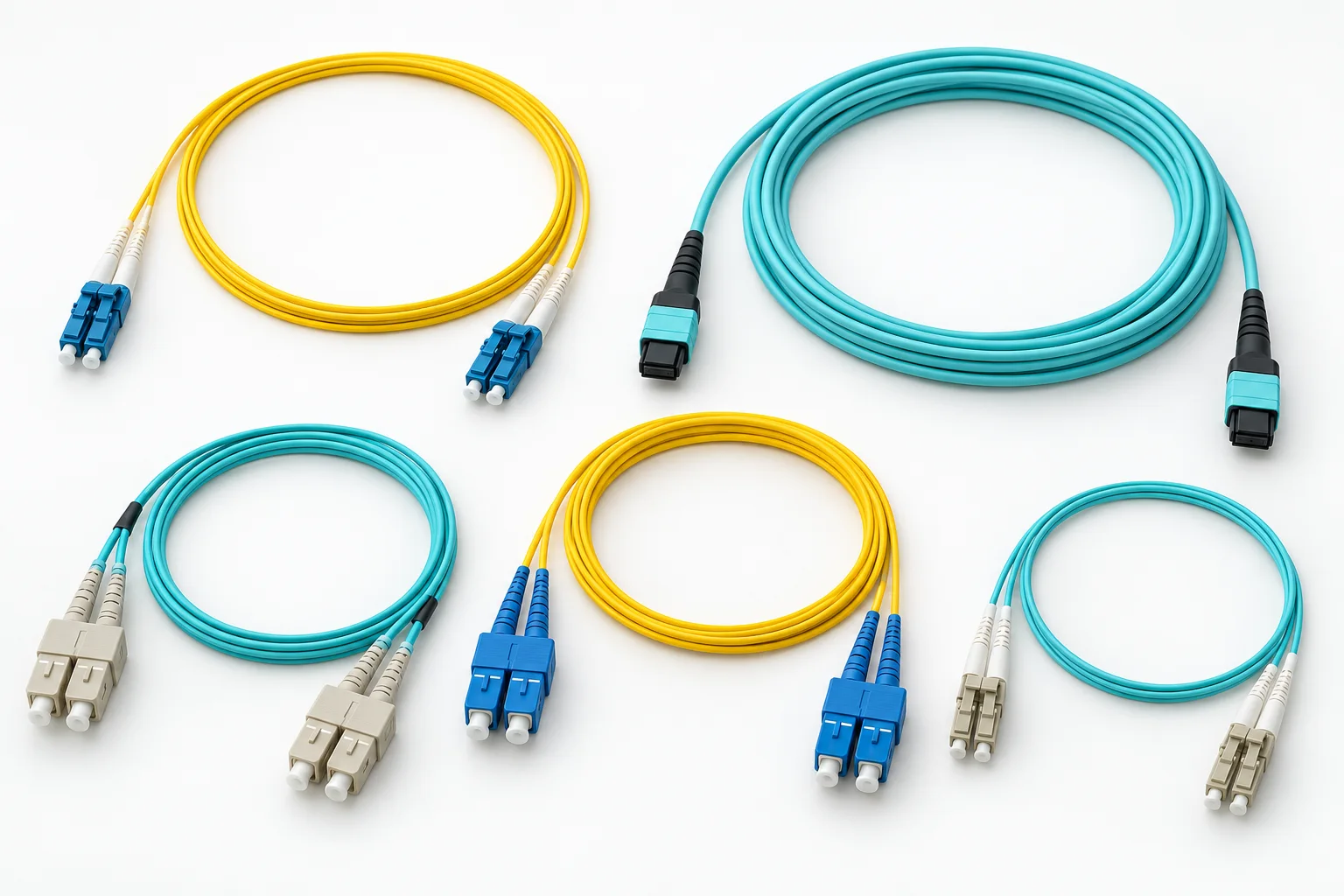
02 / Connect
Fibre Patch Cords
Specify each end of the assembly: fibre category, connector, polish and length. Keep the route and handling clearance in view, not only the endpoints.
Explore connection assemblies →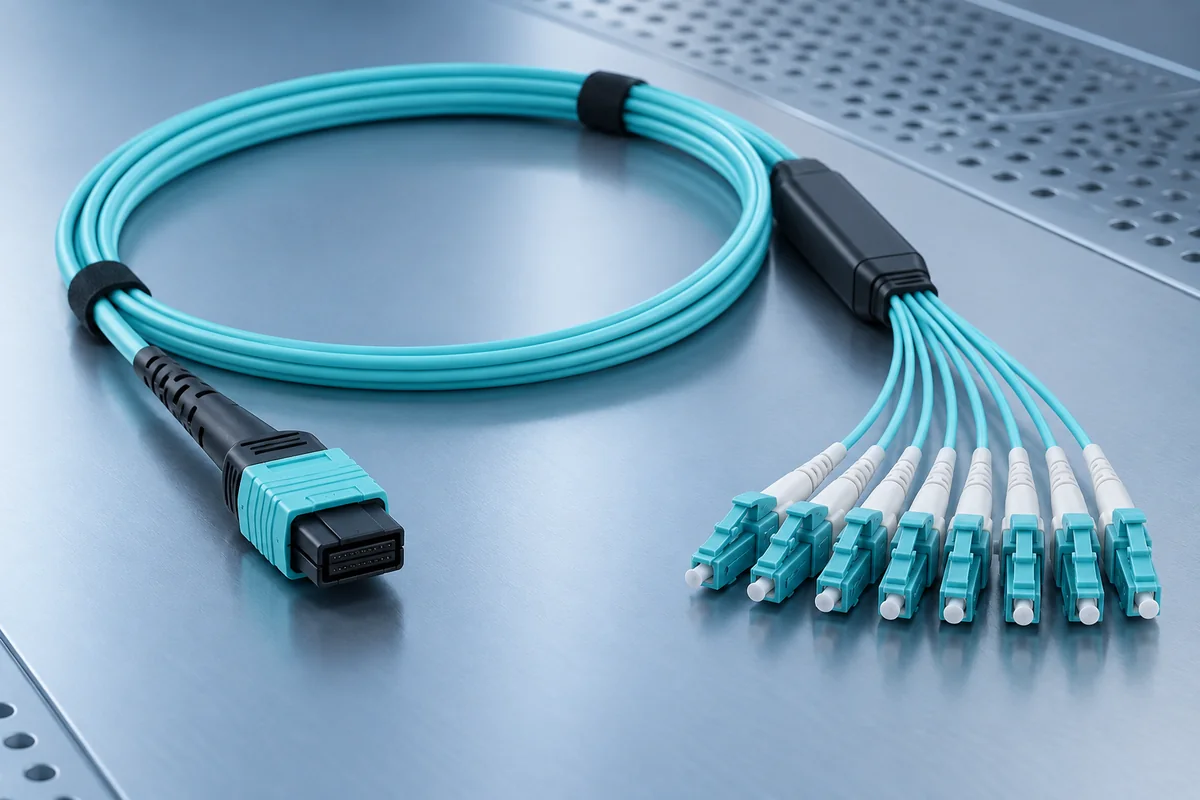
03 / Consolidate
MPO & Multifibre Assemblies
Coordinate fibre count, gender, keying and polarity across trunks, cassettes and equipment. High density needs an end-to-end compatibility check.
Explore multifibre options →
04 / Route
Managed Fibre Pathways
Allow for cable bend limits, transitions, access and later changes. Match raceways and rack management accessories to the planned assembly route.
Explore pathway hardware →Plan around the connectionOne Channel.
Open interconnection plans →One Channel.
Several Perspectives.
Give Every Port a Destination
Map equipment to distribution points before deciding how many panels, adapters and assemblies the rack actually needs.
Plan rack interconnection →Separate the New from the Retained
Record existing fibre, interfaces and patching paths. Identify the components that can stay and the connections that need to change.
Plan equipment changes →Leave Room to Work
Consider entry points, bend management, labelling and service access. Spare ports are useful only when the route remains practical.
Plan managed pathways →From a drawing to an enquiryA Better Schedule Starts
A Better Schedule Starts
at Both Ends.
A usable connection schedule is more valuable than a list of product names. These four checks help make quantities and product comparisons more meaningful.
Identify the endpoints
Record equipment interface, panel port, fibre category and the connector required at each end.
Trace the channel
Include intermediate adapters, cassettes and distribution points; check loss and polarity as a complete arrangement.
Measure the route
Include rack entry, horizontal and vertical management, service allowance and installation constraints.
Define the deliverable
State quantities, identification, documentation, destination and the project-specific acceptance scope.
Optical connection reading room
Context for the Next Decision
Use these references to frame product questions. Verify compatibility, performance and installation requirements against the documentation for your selected components.
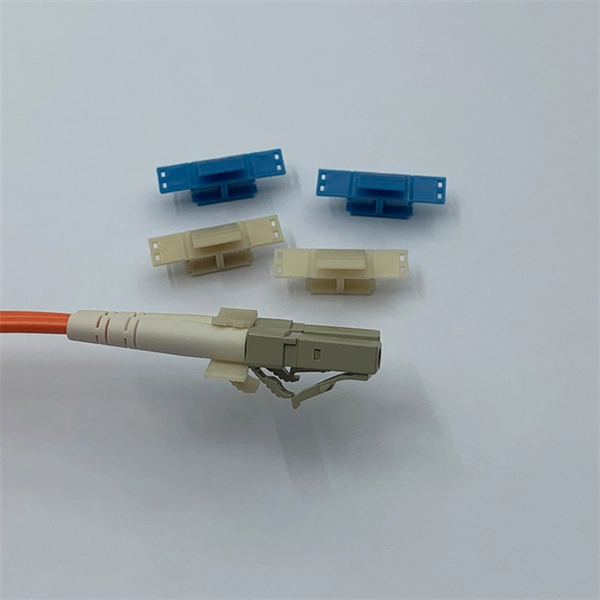
H3C Single-Control Optical Module
This H3C® SFP-XG-LX-SM1310 compatible SFP+ transceiver provides 10GBase-LR throughput up to 10km over single-mode fiber (SMF) using a wavelength of 1310nm via an LC connector. It can operate at temperatures between 0…
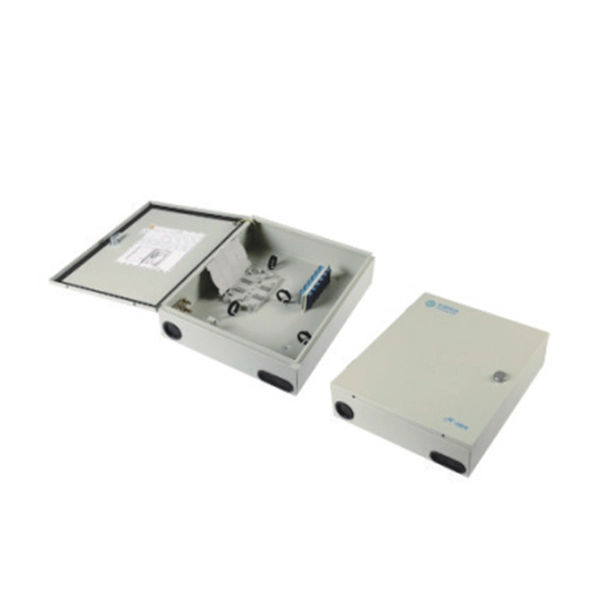
Specifications and dimensions of highway power distribution boxes
This document provides specifications for various types of plastic distribution boxes, including their dimensions and features. It describes HA, HK, and LGD series boxes with dimensions ranging from 100-415mm in lengt…
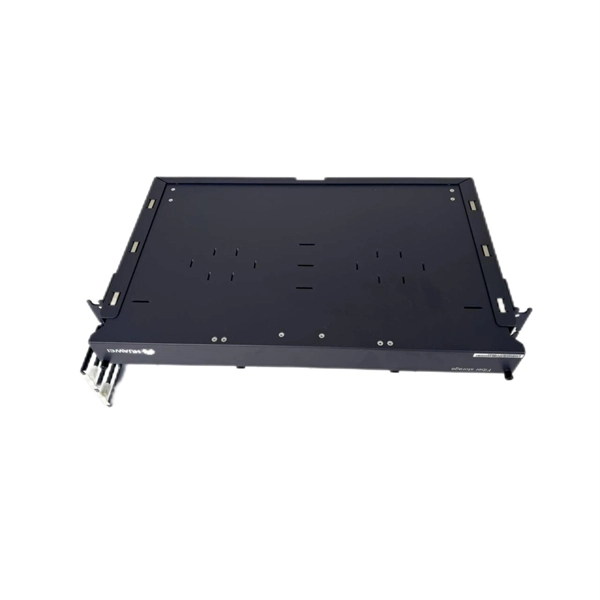
How to run optical fibers in an ODF rack
Optical Distribution Frame (ODF): The Complete Guide Comprehensive guide to Optical Distribution Frames (ODF) for data centers. Learn ODF types, installati.
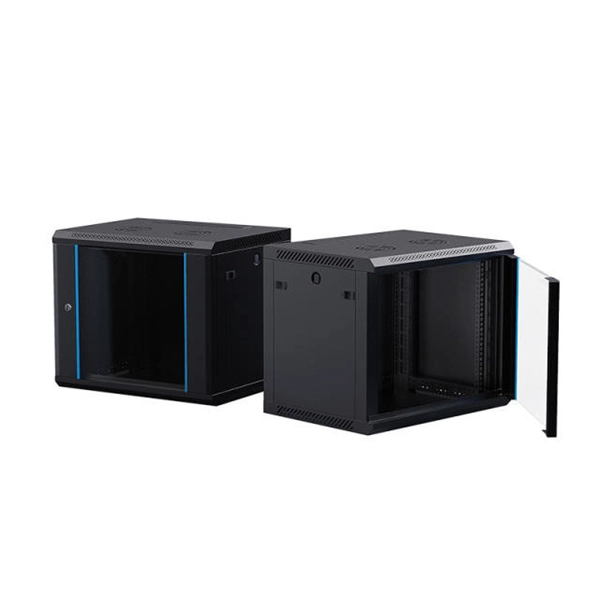
Does a fiber optic splitter increase internet speed
Fiber Optic Splitter: How It Works & Types GuideFiber optic splitters may lack the glamour of high-speed transceivers or cutting-edge cables, but they are.
Features of Nordic Intelligent Power Distribution Cabinets
Norden Smart Cabinet is an advanced, intelligent enclosure designed for data centres to efficiently house and manage IT equipment, including servers, storage devices, and networking hardware, It integrates seamlessly…
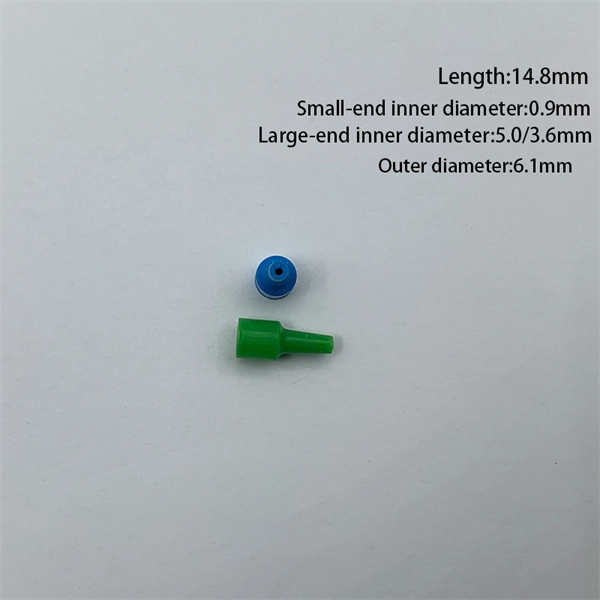
What does the indoor terminal box do
Terminal boxes connect, protect, and organize electrical wiring, ensuring safe and efficient operations. Whether you're working in a factory or setting up. A terminal box is an electrical enclosure equipped with organ…
Questions from the connection desk
Before the Parts Are Chosen
A connection is only as clear as its interfaces. Resolve these questions early, then compare products against the same brief.
What should a data room fibre interconnection enquiry include?
Provide a port or connection schedule, the equipment interfaces at both ends, fibre category, connector format and polish, rack space, pathway and approximate assembly lengths. Identify existing components that must remain in service and the documentation required for acceptance.
Does a higher port count always make a patch panel more suitable?
No. Useful density also depends on connector access, cable entry, bend management, labelling and the space needed for future changes. Compare the populated configuration and maintenance arrangement, not only the number of adapter positions.
What must be checked before specifying MPO assemblies?
Confirm the fibre category, fibre count, connector gender, keying and polarity method for the complete channel. Check the equipment interfaces, cassette or harness arrangement and allowable loss. A connector with the right physical shape is not proof of end-to-end compatibility.
How can fibre patching prices be compared fairly?
Compare equivalent fibre category, connector and polish, assembly length, fibre count, panel population and accessories. Include any required identification, test documentation, packaging and delivery destination. Separate bare hardware prices from assembled or populated product prices.
Where can an EU project enquiry be coordinated?
EU project coordination is in Lyoner Quartier, Niederrad, Frankfurt am Main, Hesse, Germany. Send a connection schedule or product brief to FD SOLUCIONES by email or WhatsApp and confirm meeting arrangements directly.
Start with the connection scheduleTell Us What
Tell Us What
Needs to Connect.
Send a rack sketch, port list or optical product specification. Include the known interfaces, required quantities and delivery destination; highlight any compatibility questions still open.
EU project coordination · Lyoner Quartier, Niederrad, Frankfurt am Main, Hesse, Germany